
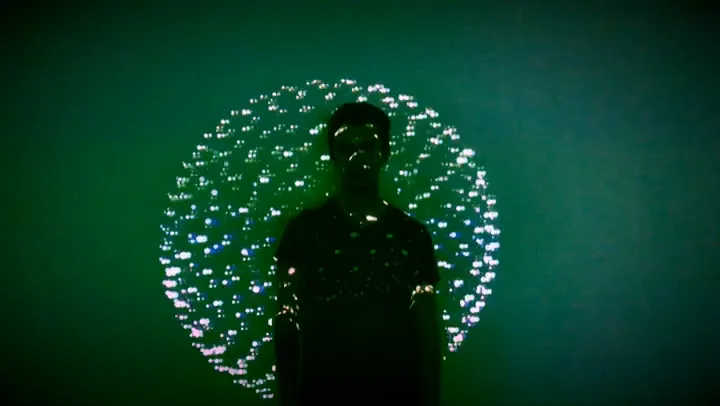
exhibition
DATANATOR
25/04_thur @code_university
work / interactive art installation · code university · 2019
An interactive art installation about data privacy. A dark room full of screens that watches you back, built to make people feel what happens to their data.
 empathize
 collaboration
 prototype
Most of my work is about influencing people: conversion rates, user behaviour, nudging someone toward the next step. Datanator asked the opposite question. What if a room could make you feel how much you’re being watched?
It was a kick-off project at CODE University in Summer 2019. Our aim was to amplify the understanding of data privacy through interactive art, with an experience strong enough to stir real emotions and push people to protect their data.
- 5
- people: 3 interaction designers, 2 software engineers
- 7
- screens: 3 projectors and 4 TVs
- 9
- live camera feeds and WiFi data on one wall
- 1
- day exhibition, on campus
The problem
Data privacy and surveillance were already big topics. Even with laws like the GDPR, most people had little idea how much they share with large companies, or how that data gets used: to push products people don’t need, and even to influence elections.
We didn’t want to explain that with an infographic. We wanted people to feel it. So before anything else, here’s a small taste of what we were working with:
$ whoami --visitor
- status
- reading…
- on this page
- 00:00
- cursor travel
- 0 px
- scrolled
- 0%
$ _
That’s what this page can read about you right now, without asking. Datanator took the same idea and filled a dark room with it.
Research
We started with the subject itself: surveillance, espionage and counterintelligence, how privacy works, and what data leaks have done to people’s everyday lives. We went through documentaries like The Power of Privacy and BBC’s Inside the Dark Web, and talks like Edward Snowden’s on data security in the age of surveillance.
Then we looked at how artists had handled the same theme: data portraits, Trevor Paglen’s work on surveillance, !Mediengruppe Bitnik’s tech-savvy espionage pieces, Seiko Mikami’s Desire of Codes. And we looked at the visual language we wanted to borrow: glitch art, generative design, post-internet and Y2K aesthetics.
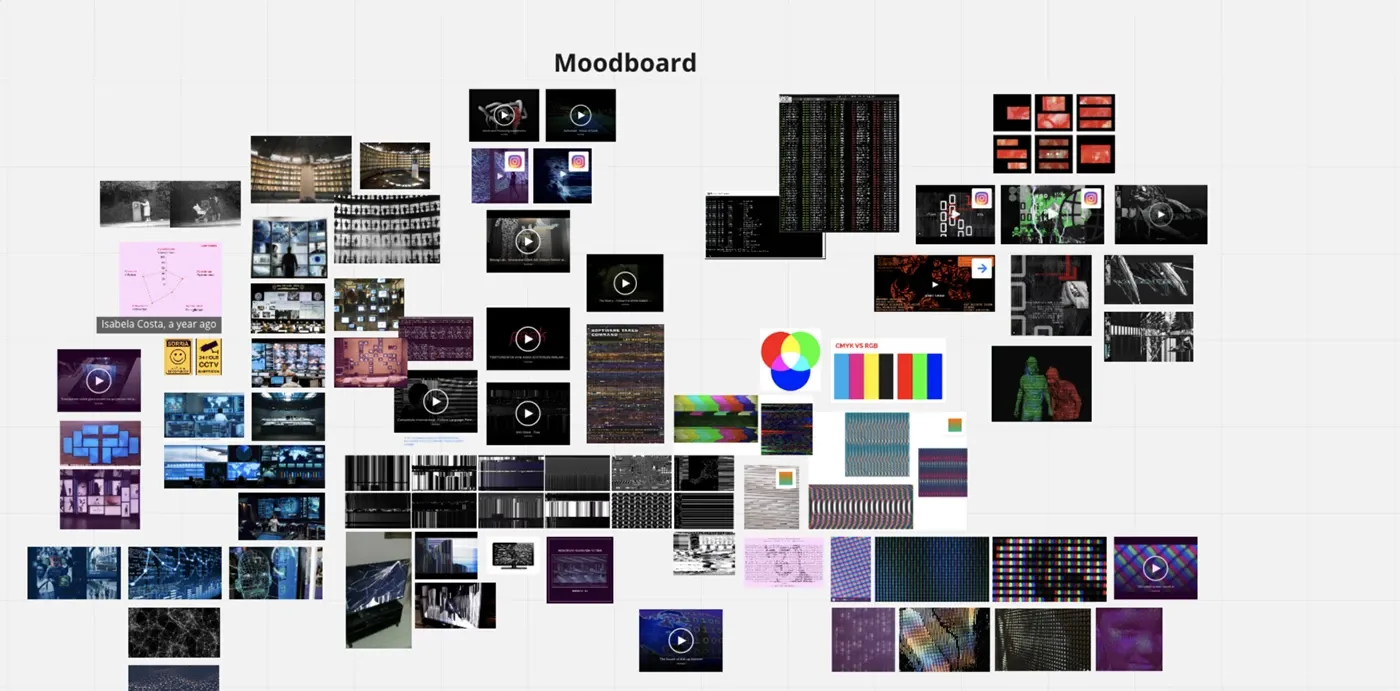
Designing for discomfort
As designers, we usually remove friction. Here we designed for it. We sat down and listed the emotions we wanted visitors to go through:
curiosity · skepticism · apprehension · fascination · astonishment · discomfort · foreboding · bewilderment · urgency
We focused on the misuse of publicly accessible data: things anyone with the right technical skills can get to. The plan was to engage people through visuals and sound, show how easy it is to access their data, and leave them with a feeling that they need to act.
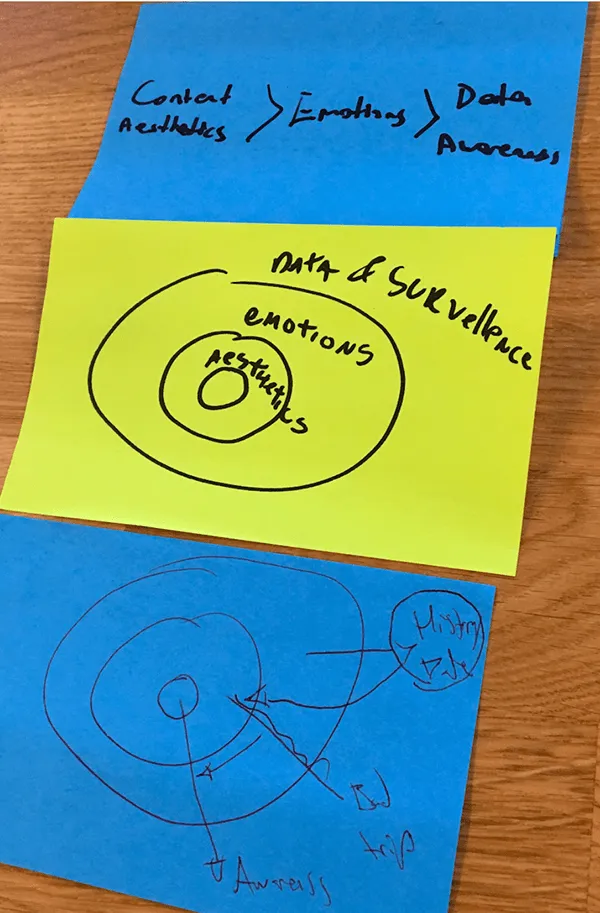
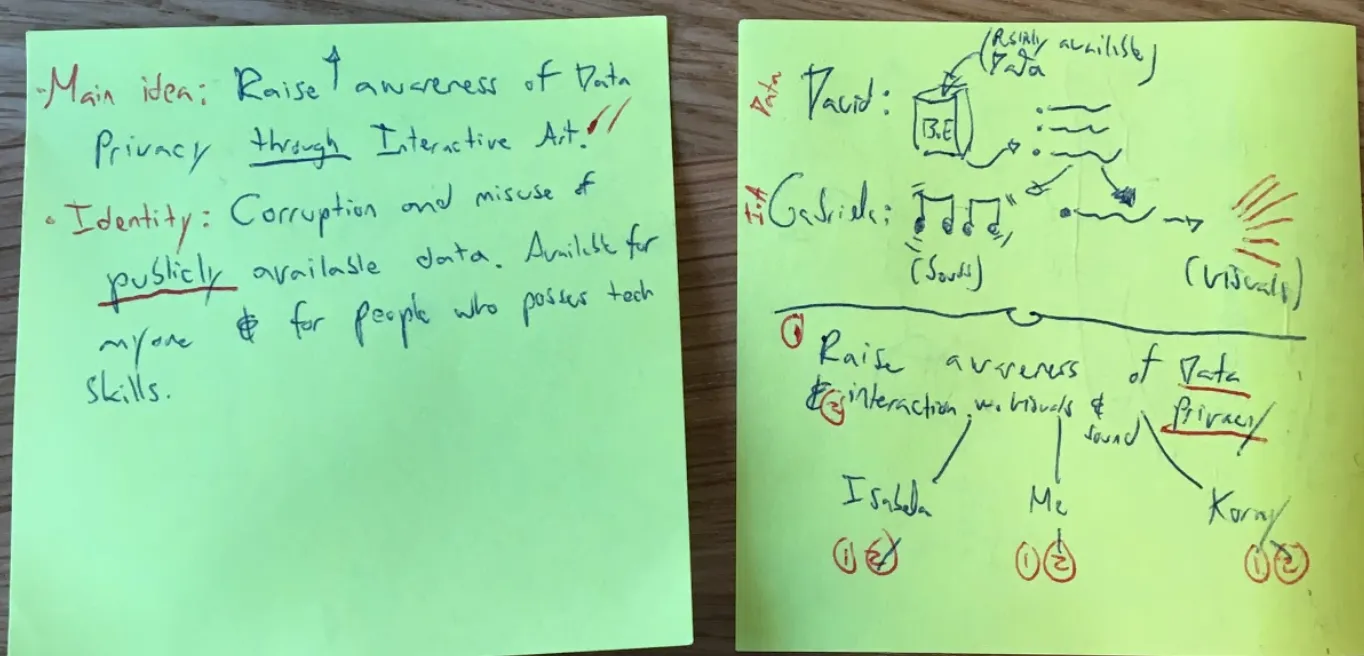
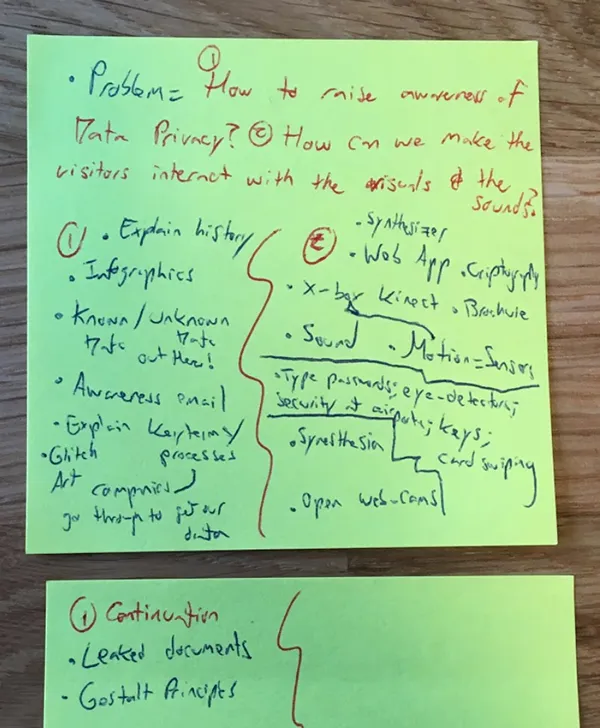
Those sessions ended in one map: a single theme and six questions we had to answer before building anything.
brainstorm → room
What happened to our first ideas
22 ideas on the first mind map. 15 made it, 3 changed shape, 4 were dropped.
- Tech
- Interaction
- Data
- Space
- Output
- Feeling
tap an idea to see what happened to it
The visitor’s journey
We designed the experience as a scenario: nine steps, from signing your data away at the door to getting an email afterwards with photos of yourself inside the installation. Step through it here:
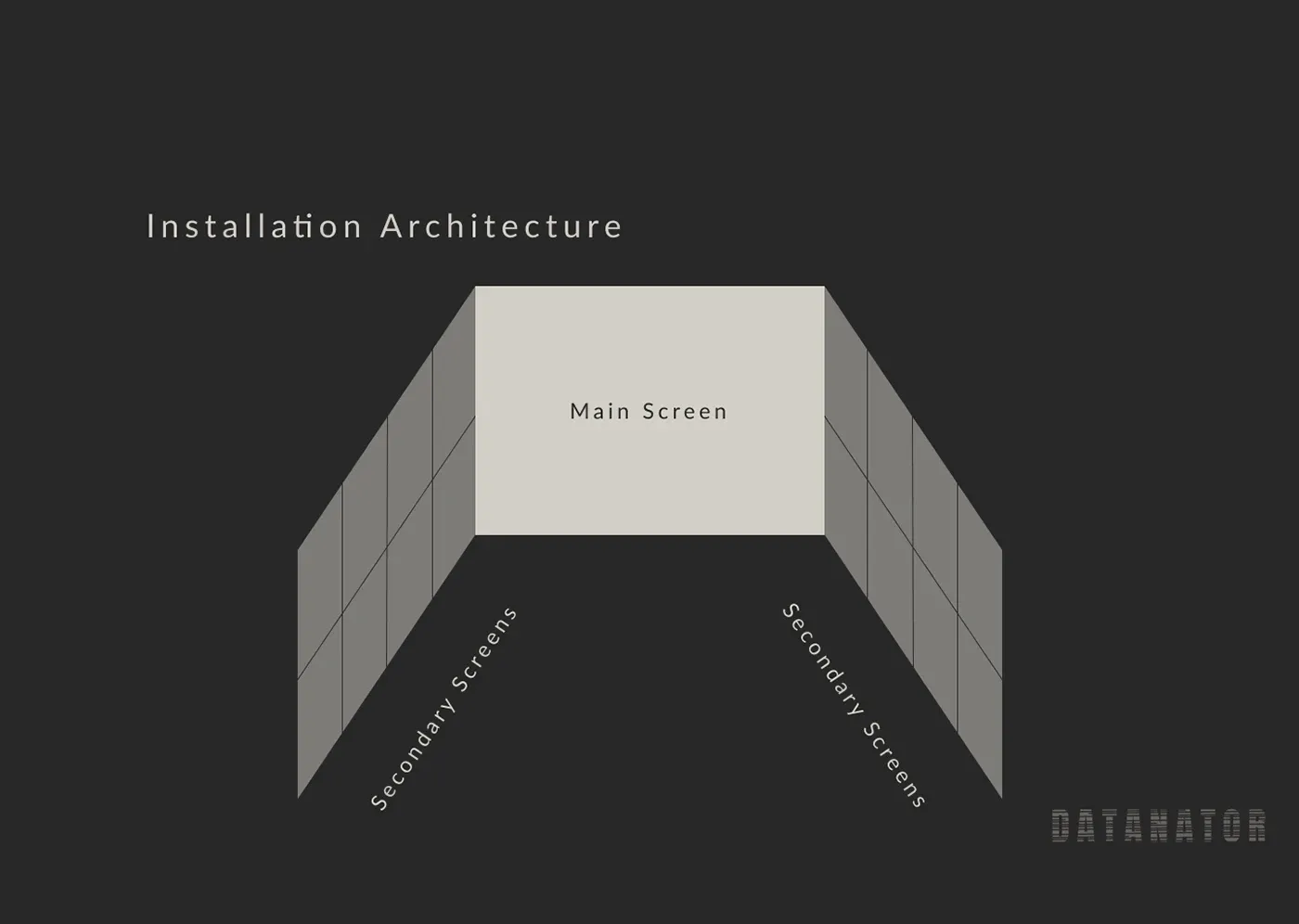
the room · 1 projector 4K · 2 projectors HD · 4 TVs · 1 motion sensor
Walk through the installation
Step through the visitor journey, or tap any screen to see what it did.
Step 4 / 9
Look around
The side walls brighten and sound effects kick in. Attention moves to the walls: live cameras, the WiFi data, the visitor’s own image.
// in the room
Tap a screen
Or pick one from the list. Each one did something different to the room.
all 9 steps as text
- Sign in. At the entrance, visitors enter their details and accept the terms and conditions.
- Step inside. Visitors are invited in. Attention goes to the middle of the room.
- Play. Visitors play with the main screen: the Kinect tracks them and glitch effects interrupt the image. The side walls stay dim.
- Look around. The side walls brighten and sound effects kick in. Attention moves to the walls: live cameras, the WiFi data, the visitor’s own image.
- Blackout. Every screen goes dark.
- The message. The Blackout Message types out on the main screen. The side walls stay dark, some with glitch effects.
- Loop. The room goes back to step 3, and the cycle starts again for the next group.
- Exit. Visitors leave the room.
- The email. Afterwards, each visitor gets an email with photos of themselves inside the installation, and an explanation of what they just experienced.
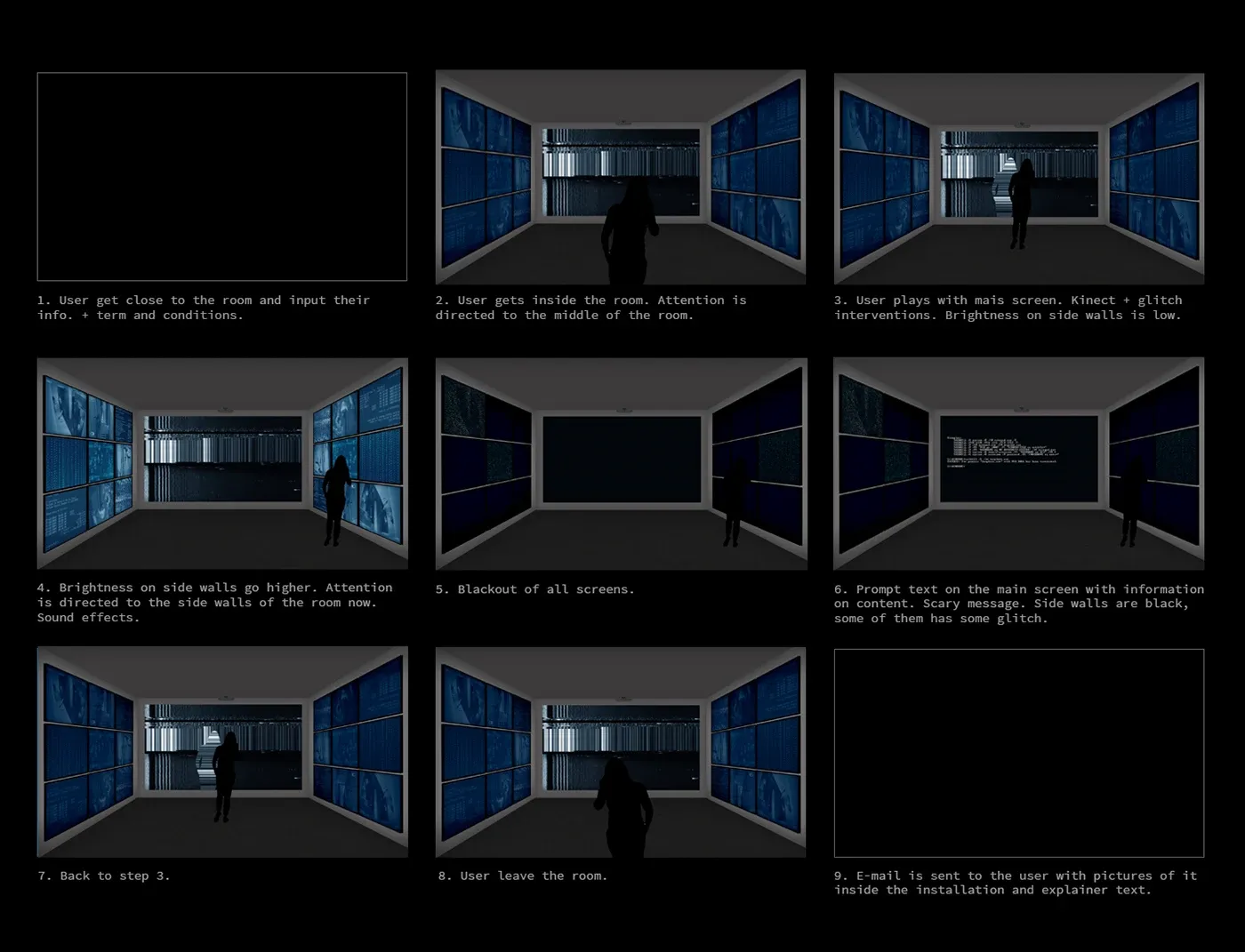
Our blueprint also had red-lit steps on the floor guiding people through the room. We dropped them because of technical problems: a useful reminder that the experience has to survive the build.
// the blackout message · shown on the main screen
Lights out…!
Your data is being stored, analysed and sold to big companies and governments without your knowledge.
Privacy protects us from abuses by those in power, even if we’re doing nothing wrong at the time of surveillance.
It’s time to be critical about your data. Your information. Your privacy. Yourself.
Protect your data_
look around you. you’ve been watched.
Building the room
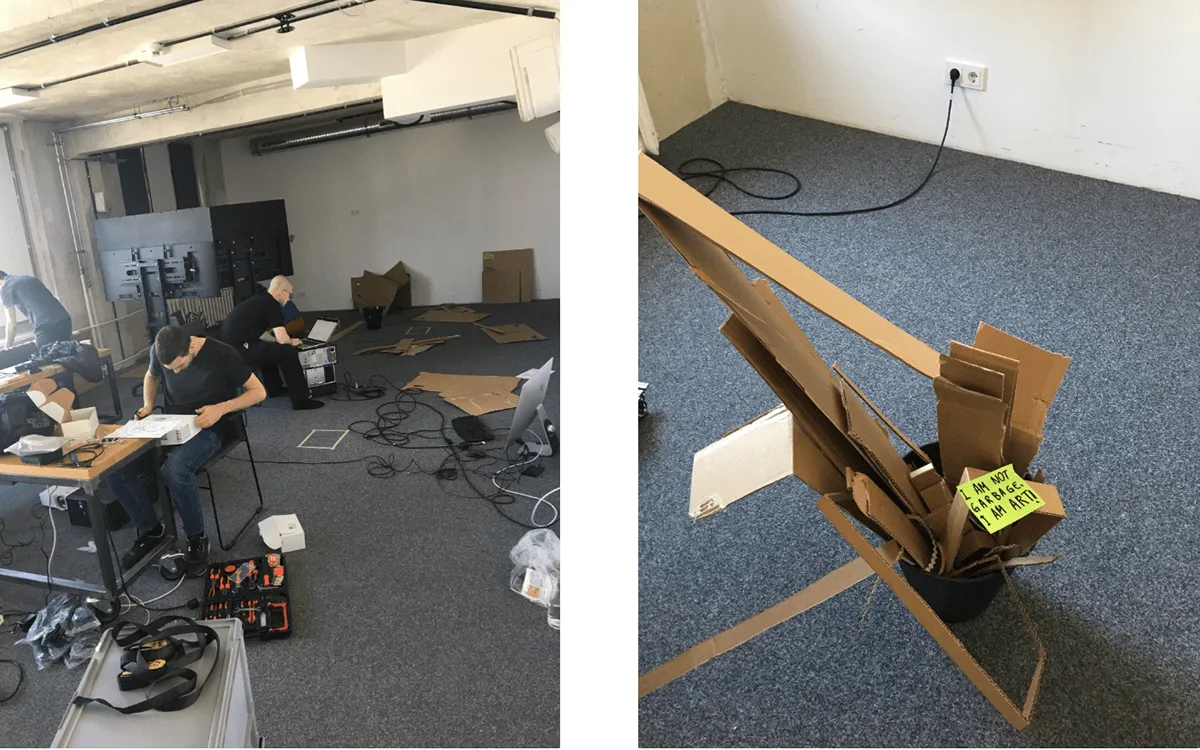
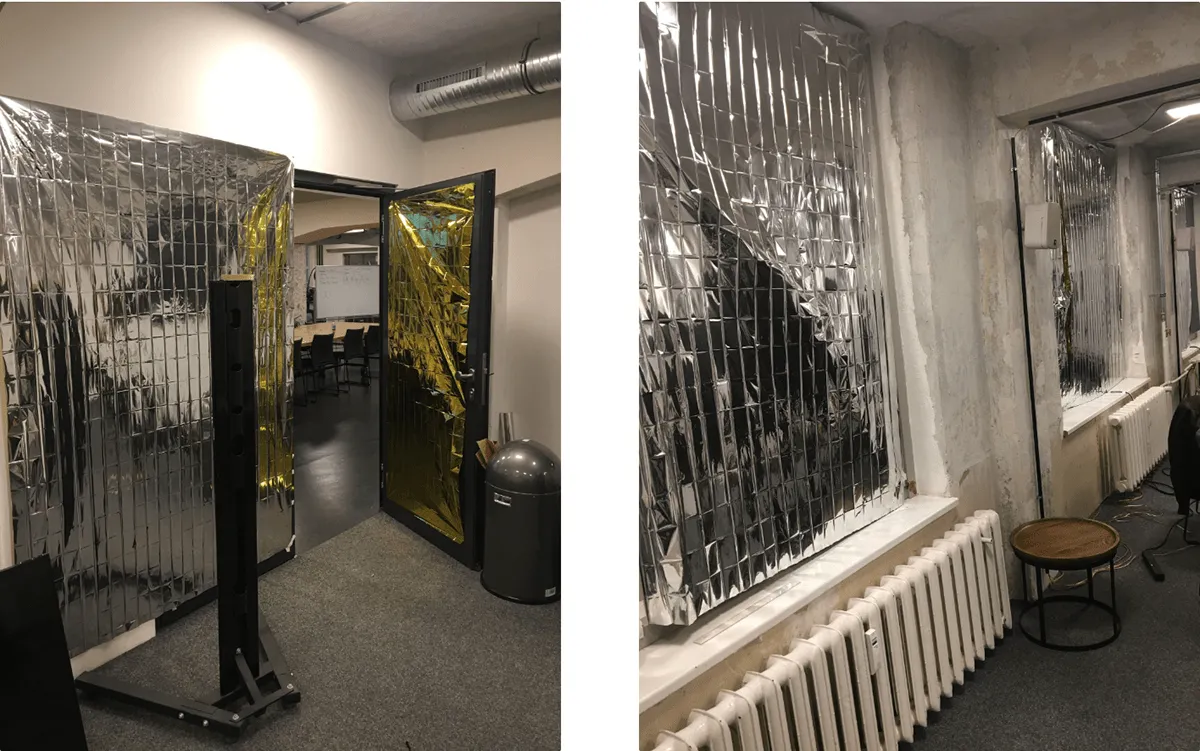
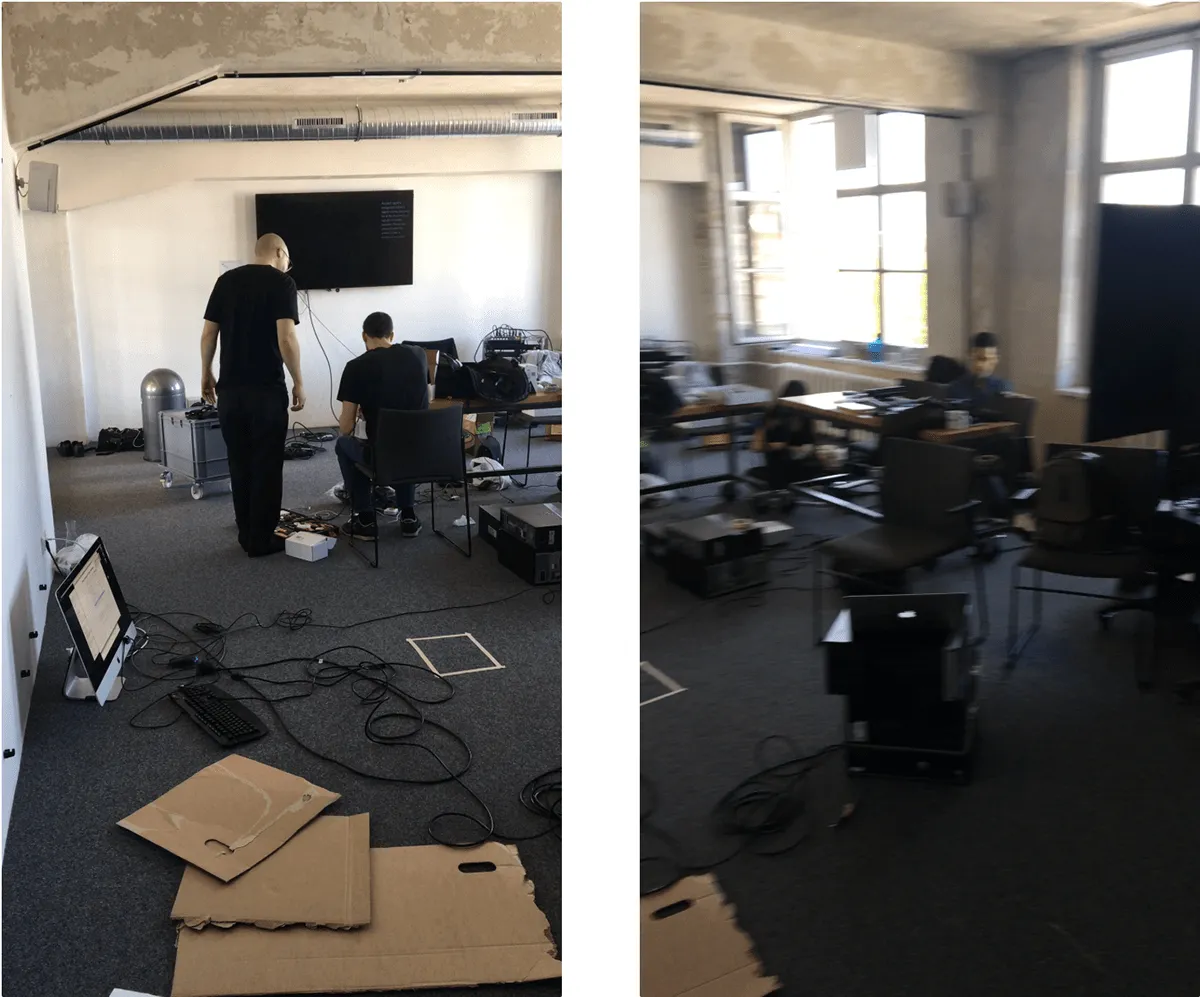
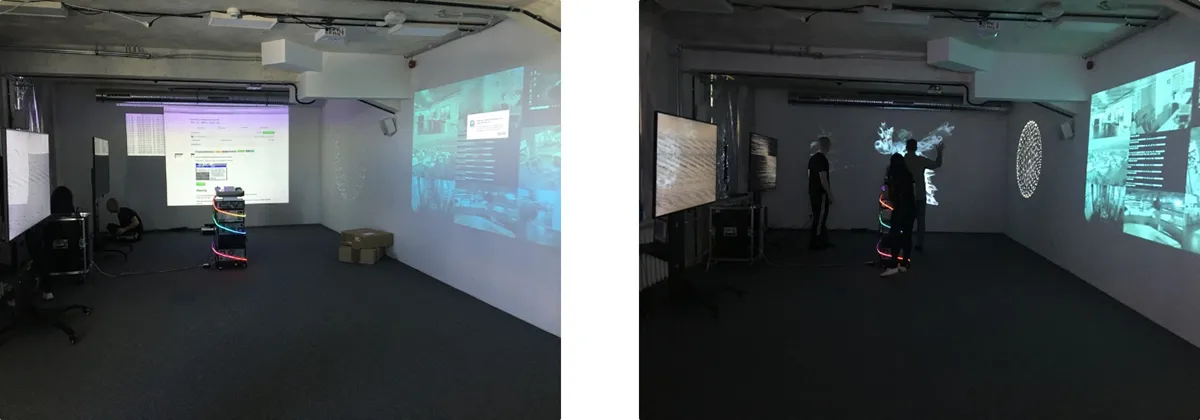
The original plan needed a large classroom and a projection curtain, and we couldn’t get either. So we adapted: the wall became the main screen, two projections went up next to it, and four 4K TVs filled in the rest. The day before the exhibition we blacked out every window and door with cardboard, then covered it in aluminium foil, so the room glowed only with our screens.
Exhibition day
We put up glitchy posters around campus and promoted the show on the CODE and Factory Berlin Slack channels and on social media. On the day, the room filled with CODE students and staff and members of Factory Berlin. The film at the end of this section shows what it was like inside.
Reflection
I took this project on because I’d barely done any “art” as a designer. Everything I’d made revolved around web and app design, conversion, user behaviour, and influencing what people do. Experimental art projects are rare once you’re working professionally, so this felt like a chance I shouldn’t miss.
It turned out to be one of the most useful design lessons I’ve had. Designing for fear, discomfort and urgency taught me how deliberately emotions can be shaped, and made me much more careful about when I do that in products.
team: Koray Tekin, Isabela Costa, Esteban Ortiz (interaction design) · David Patterson, Gabriela Garcez (software engineering)
Have a similar problem?
I help early-stage teams find what to build and ship it. Let's talk about yours.